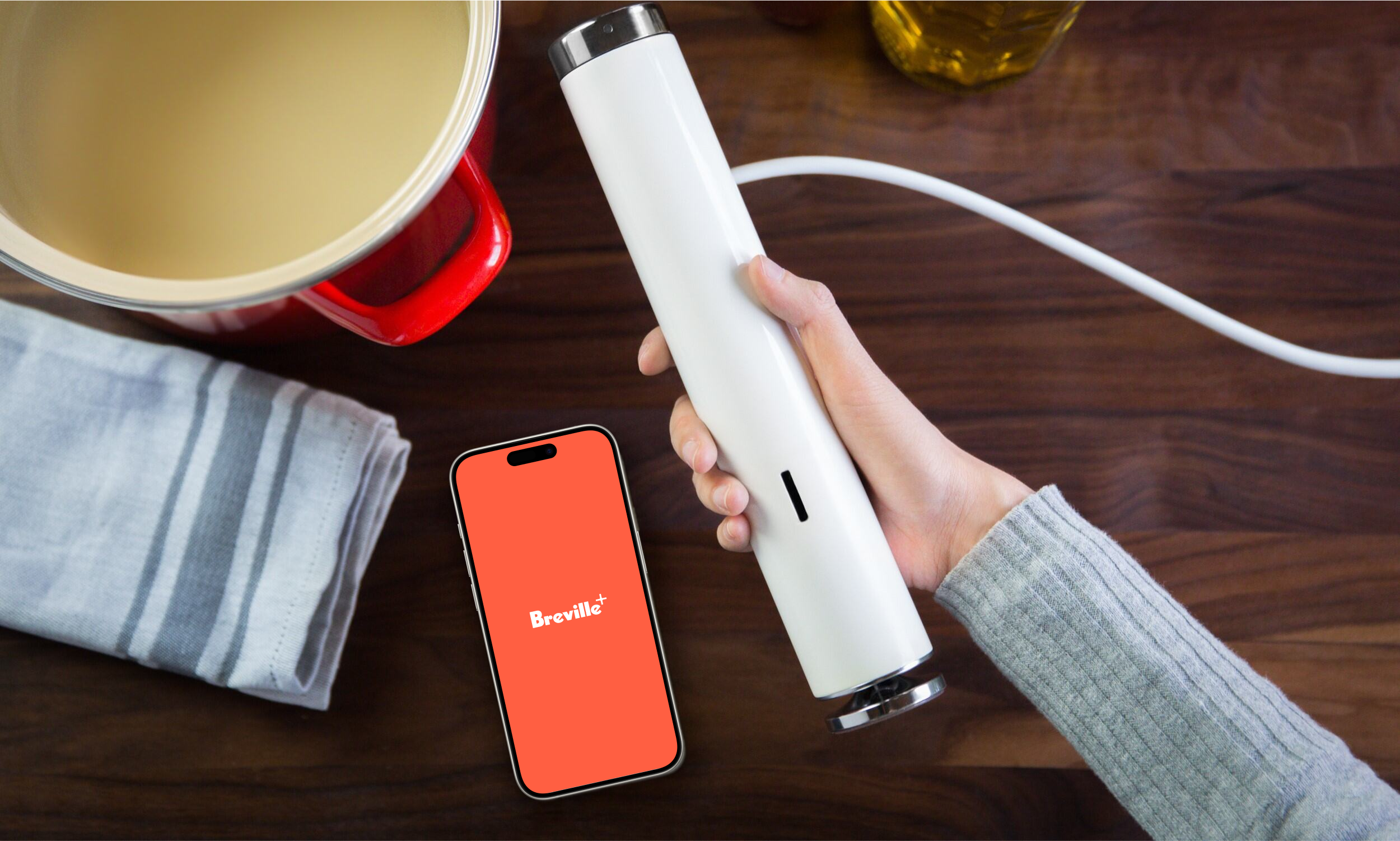
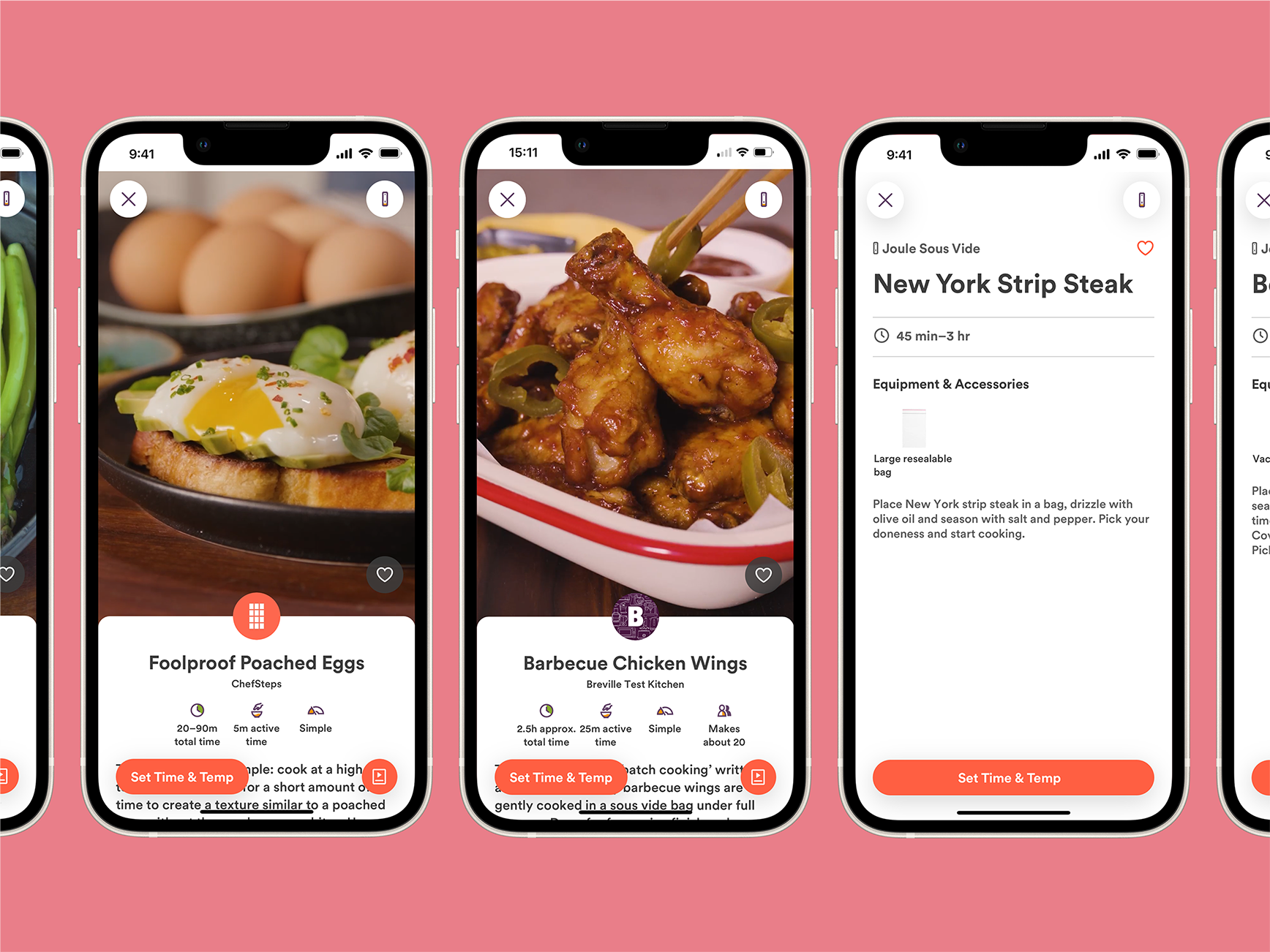
Think of Breville+ as the Joule app 2.0: We rebuilt it from the ground up, adding new recipes and tools to support your Joule Sous Vide.
Setting Up the Breville+ App Is Easy
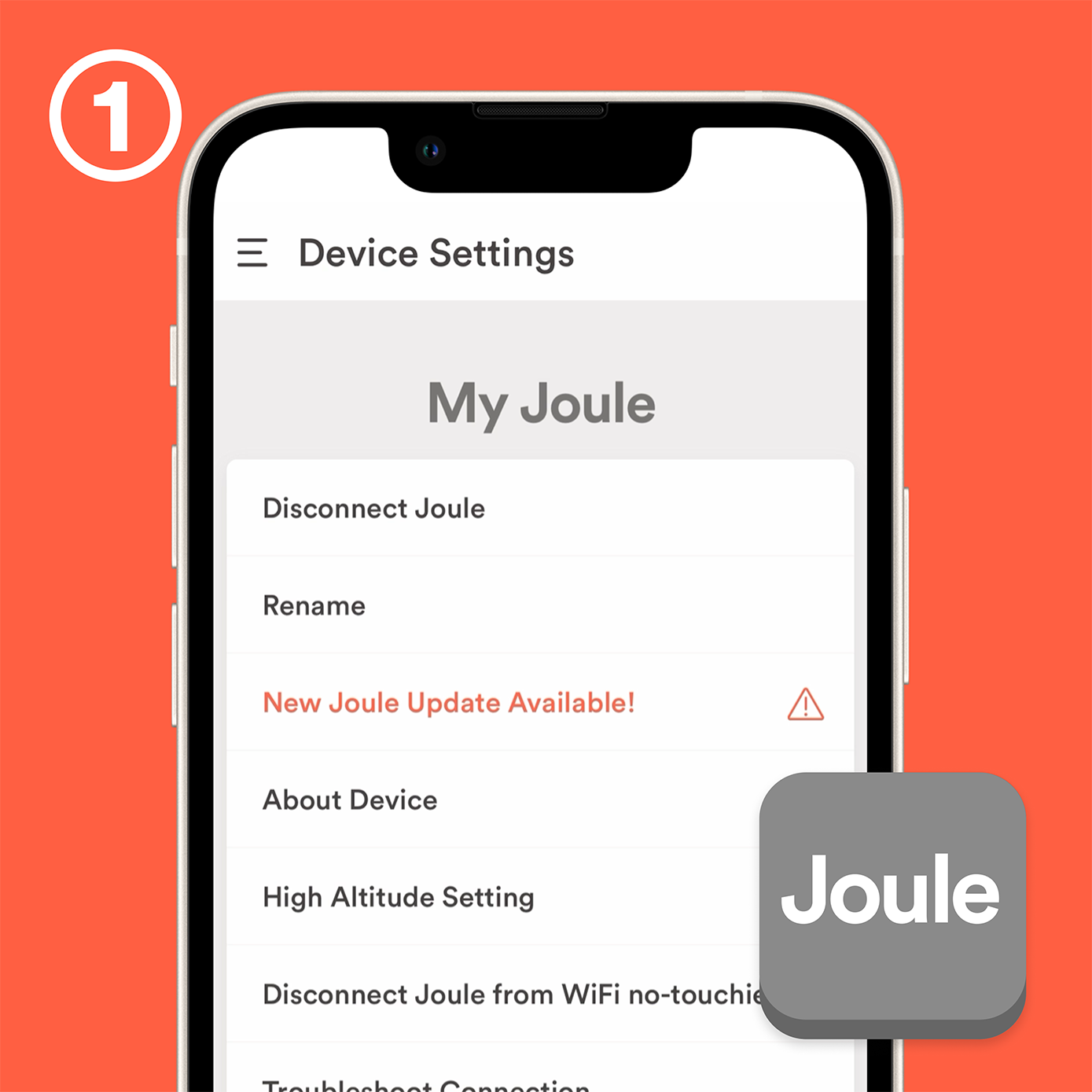
Make sure your firmware is up to date
If there is a firmware update available, the Joule app will prompt you to update. Otherwise, look for an update by going to Settings > My Joules > [Joule Name] > Update Joule’s Software. Need more help? Check out this article.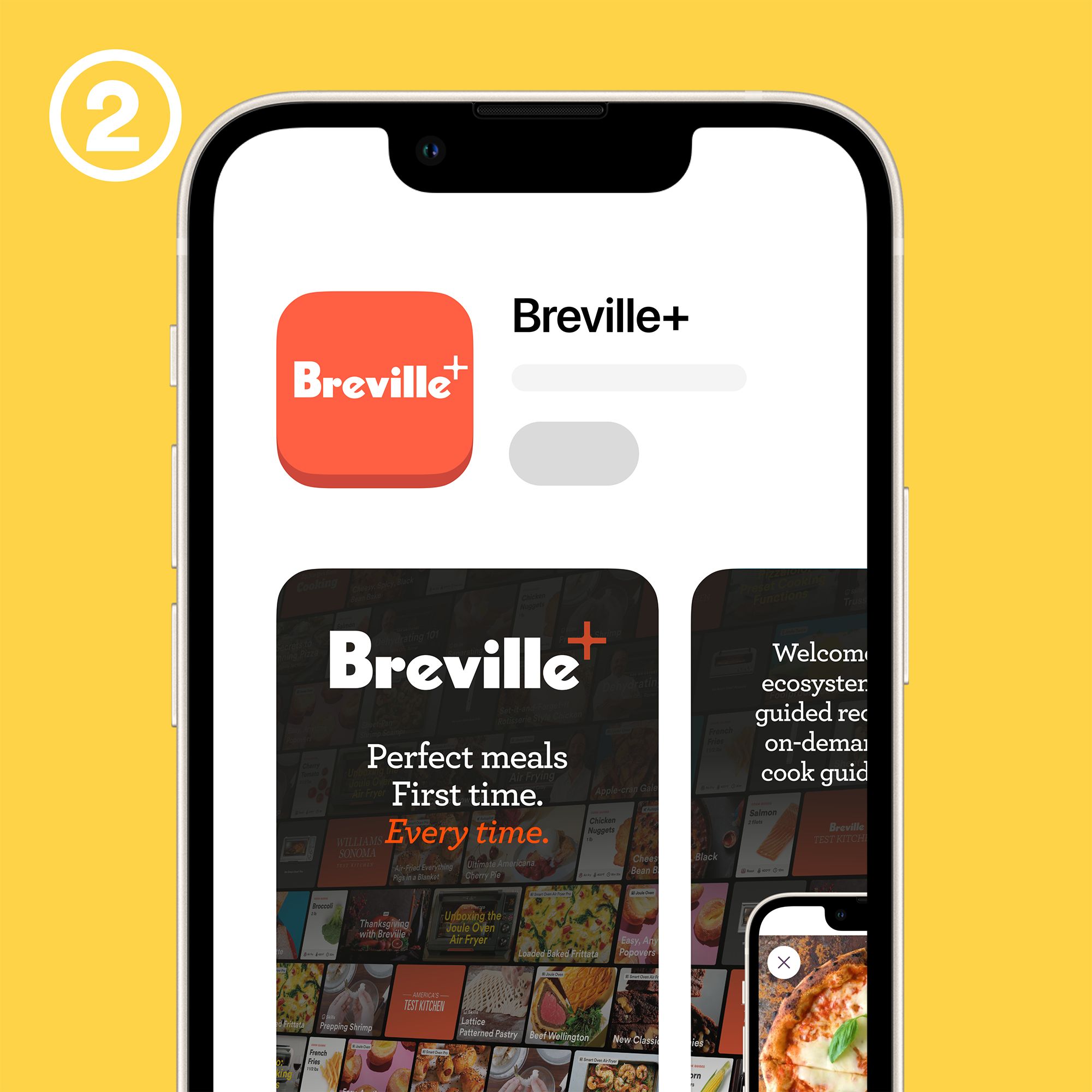
Download the app
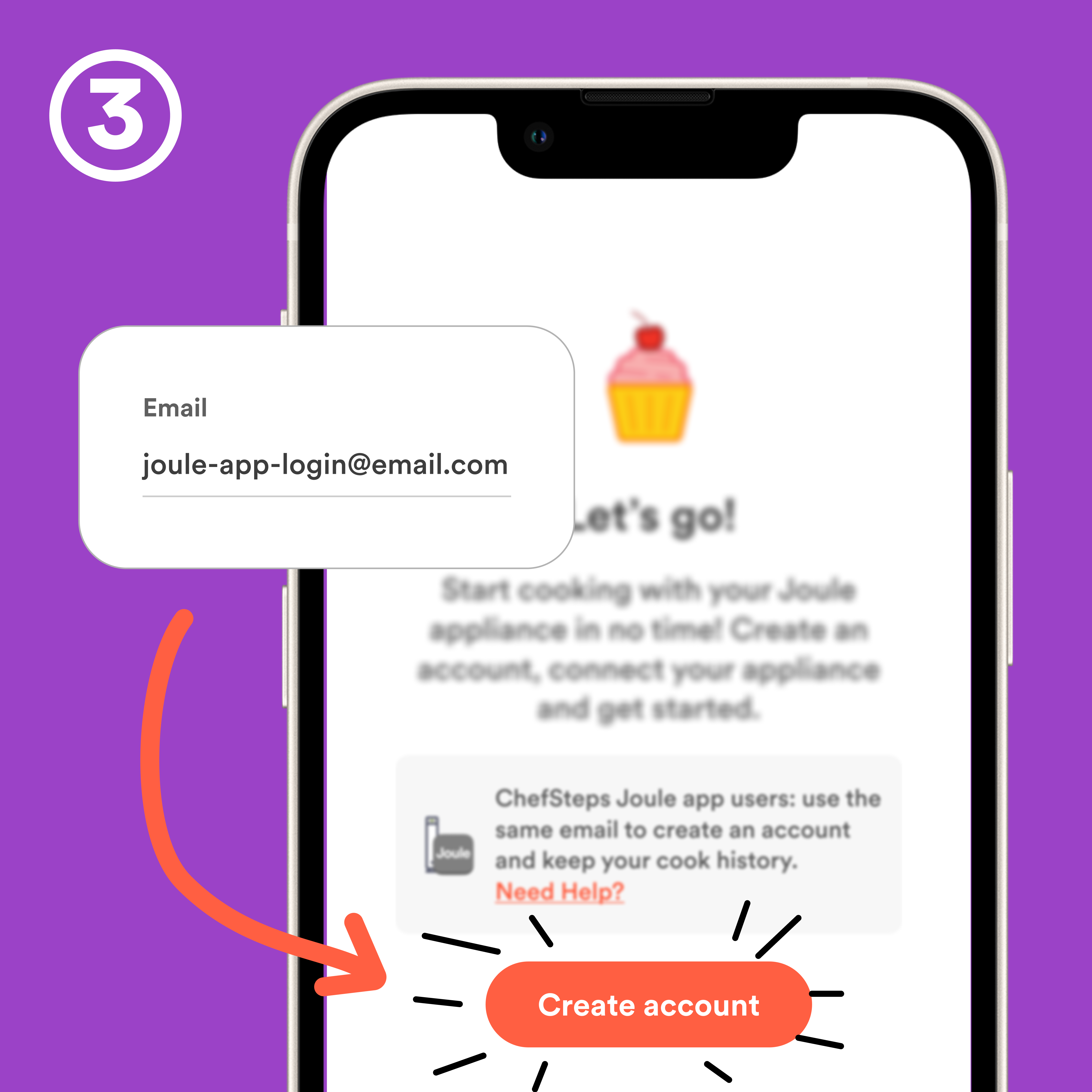
Create an account
Create a new account to get full access to Breville+. To maintain your cook history, use the same email you use to log into the Joule by ChefSteps app to create your new account. What email did I use in the Joule app?
If you already have an account on Breville.com, use that email to sign into the app. This will create your Breville+ account.
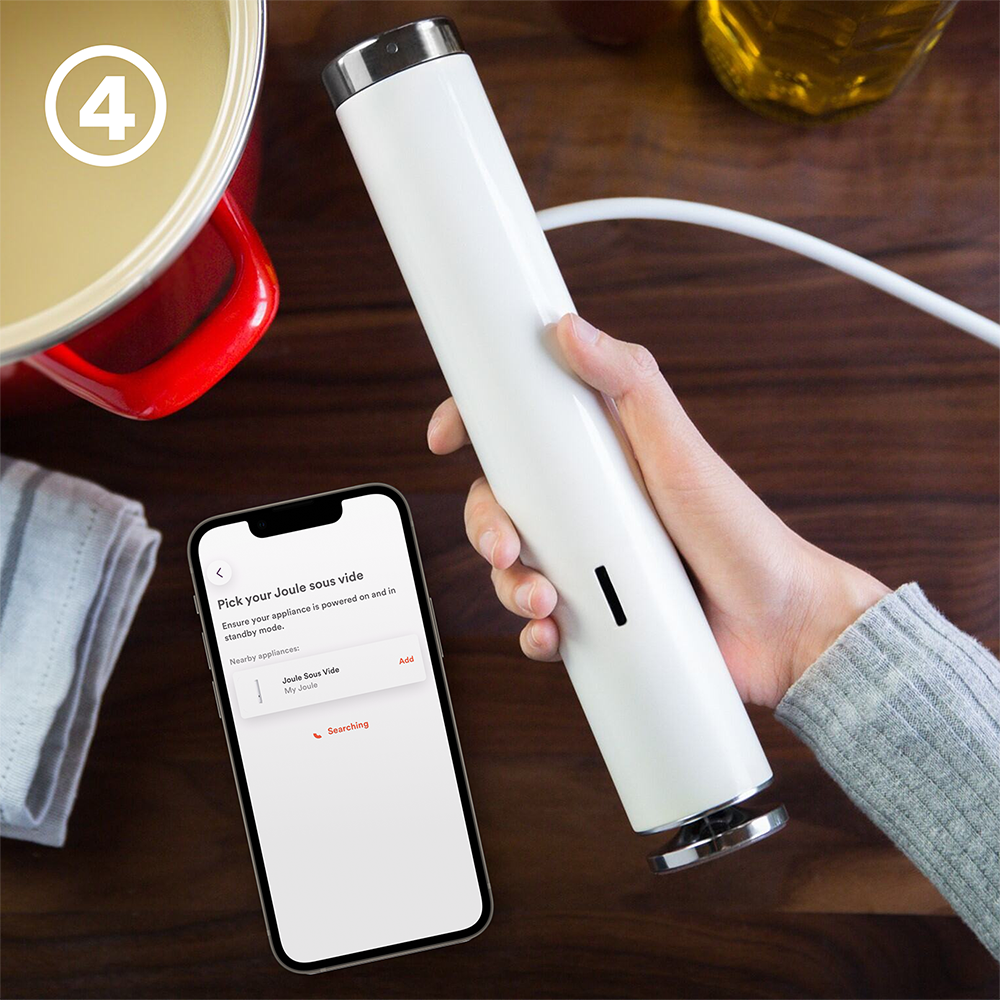
Pair your Joule Sous Vide
Watch the video for step-by-step instructions.When can I use the Breville+ app with my Joule Sous Vide?
Will my cook history transfer over to the Breville+ app?
What if I already have an account on Breville.com?
Do I have to use the Breville+ app? Can I just continue using my original Joule by ChefSteps app?
I don’t own a Joule Sous Vide device, but I use the Joule by ChefSteps app for sous vide inspiration. Will I retain access to this content in the Breville+ app?
I don’t remember what email I used to log into the Joule app. How can I find it?
Why do I need to create a new account to use my Joule in the Breville+ app?
Are there two versions of Joule Sous Vide?
Can I access Turbo recipes once I pair my Original Joule device in the Breville+ app?
I live outside the USA and Canada. Can I pair my Joule in the Breville+ app?
Got Questions?
Head over to our forum to learn more and explore other members’ questions. Or, reach out to our support team.